
Every water job, start to finish.
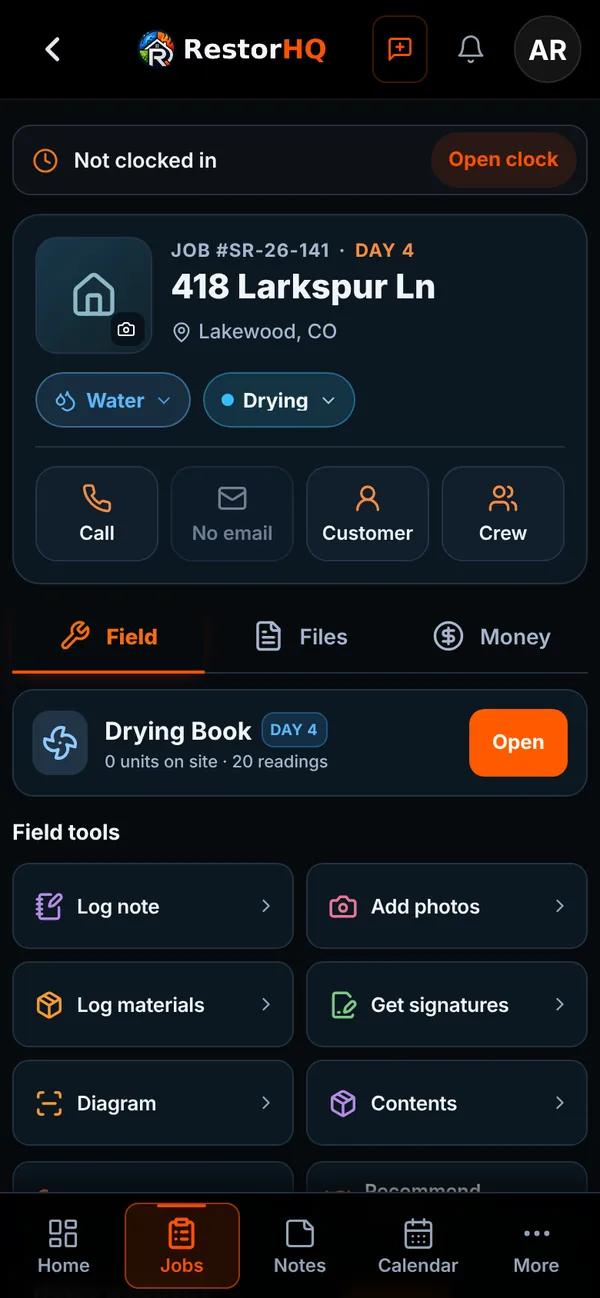
RestorHQ follows a water loss the way your crew works it: set up the job, get the authorization signed, dry the structure, and bill for what you did.
Day one on site
Get the job set up and signed before the first air mover goes down.
- Pick the loss type and water category (1, 2, or 3) when you create the job, with the water class if you know it
- Address search and property autofill fill in the details
- The customer signs the work authorization on their phone, and it's stored with the job
- Get a Slack alert when a work authorization is sent or signed
- Before photos from the job camera, organized by room and day, even with no signal
Drying the structure
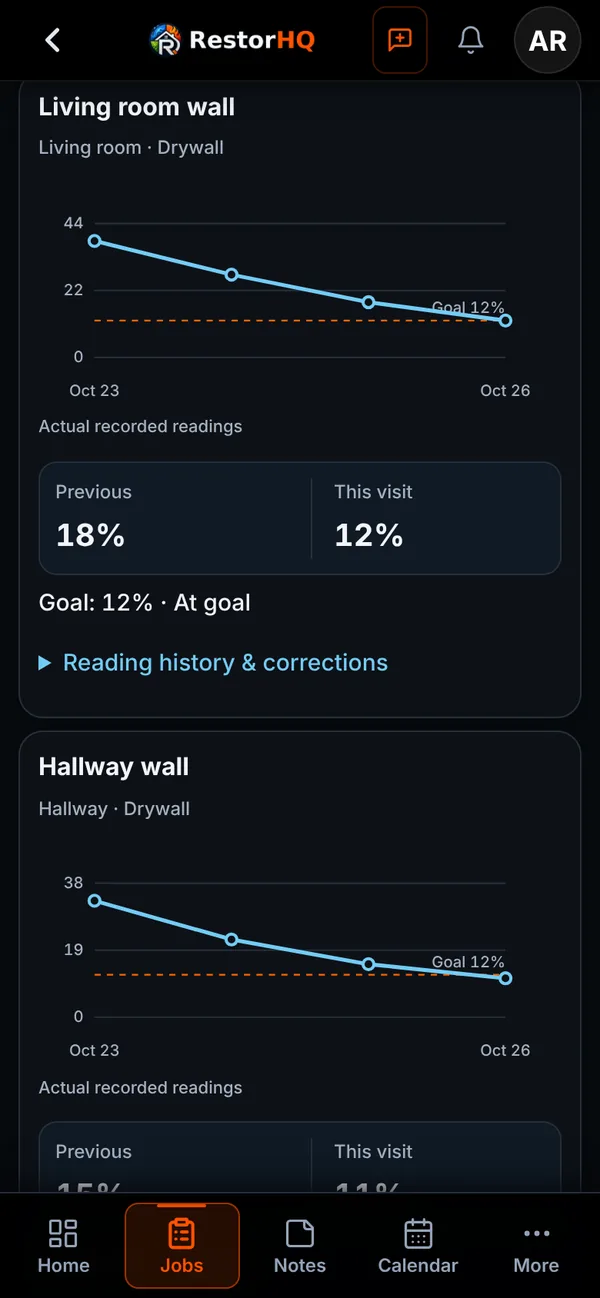
Every visit, the readings come first.
- Moisture points by room, with drying goals for each surface based on IICRC S500 dry standards
- Temperature and RH turn into GPP and dew point, with grain depression on each dehu
- A warning when a surface is at or near the dew point
- Equipment checked each visit. Scan barcodes to place, move, and pull units.
- Floor plan diagrams that work on a phone
Closing it out
Paperwork the adjuster and homeowner can follow.
Drying report
A customer PDF with readings, goals, and charts for every visit, plus removal notes. Share it with a link that expires.
Dry logsEstimate
Build from your Xactimate-coded catalog or import an Xactimate .esx file. Starter scope language for each water category, plus disclaimers like Category 3 and hidden moisture.
Estimates & invoicesInvoice and job costing
Turn the approved estimate into an invoice, or draft one from the job's actual time and materials. Labor and materials show a live margin.
Job managementCustomer portal
Homeowners follow progress, photos, signed documents, and invoices from one private link.
Run your next water job in RestorHQ.
RestorHQ is in private beta. We're onboarding restoration companies in small batches.